WHMCS Proposal Tools: A Side-by-Side Guide
MX Proposals vs PandaDoc vs manual methods. Compare features, pricing, and WHMCS integration depth for hosting provider proposal workflows in 2026.
MX Modules Team
(Updated )
In this article
- Quick Comparison Table
- Option 1: Manual Process (Email + PDF)
- Option 2: PandaDoc (External Proposal Platform)
- Option 3: MX Proposals (WHMCS Native Addon)
- Decision Matrix: Which Should You Choose?
- Cost Over 12 Months
- Frequently Asked Questions
- Can I migrate from PandaDoc to MX Proposals?
- Does MX Proposals replace WHMCS invoicing?
- What about Proposify, Better Proposals, or Qwilr?
- Can I try MX Proposals before buying?
- Is there a self-hosted option?
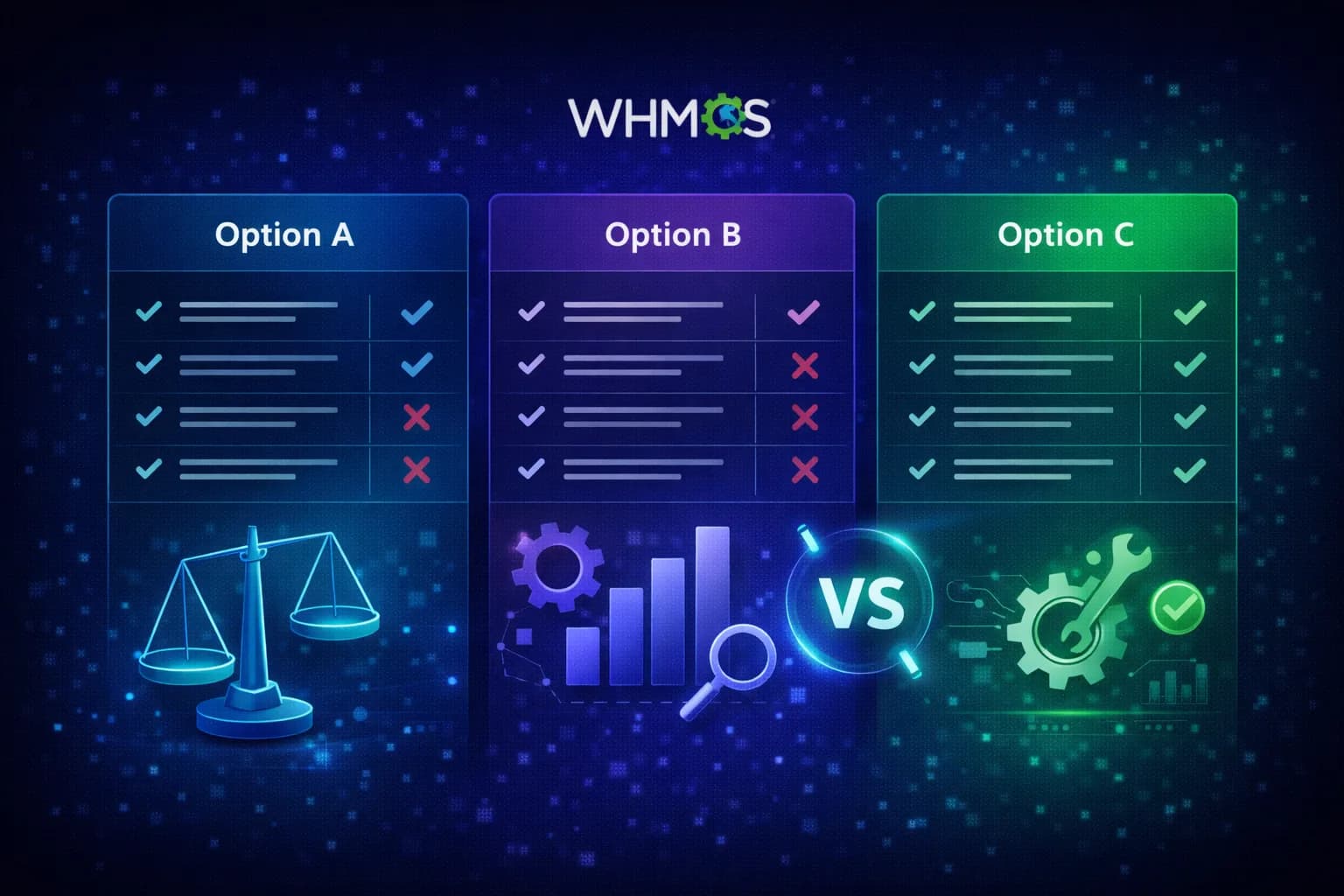
When you need to send a proposal from WHMCS, you have three real options: do it manually with email and documents, use an external proposal tool like PandaDoc, or use a WHMCS-native addon like MX Proposals.
Each approach works. The differences are in cost, integration depth, and how much manual work you do per proposal. This comparison is based on real pricing and features as of February 2026.
Quick Comparison Table
| Feature | Manual (Email/PDF) | PandaDoc Business | MX Proposals |
|---|---|---|---|
| Monthly cost | $0 | $49/user | $25 flat |
| Per-user pricing | No | Yes | No |
| WHMCS integration | None | None | Native addon |
| Client linked to WHMCS record | Manual | Manual | Automatic |
| Digital signatures | No (unless PDF-signed) | Yes | Yes |
| Proposal templates | DIY (Word/Docs) | Yes (library) | Yes |
| Payment collection | Separate invoice | Stripe/PayPal | Via WHMCS |
| Deposit + payment plans | Manual tracking | No native support | Yes |
| Status tracking (viewed, signed) | No | Yes | Yes |
| Video embed in proposals | No | Yes | Yes |
| PDF attachments | Email attachment | Yes | Yes |
| Custom branding | Whatever you design | Yes | Yes |
| Setup time | 0 (no tool to set up) | 30-60 min | 5-10 min (WHMCS addon install) |
| Learning curve | None | Medium (new platform) | Low (familiar WHMCS UI) |
Option 1: Manual Process (Email + PDF)
How it works: You write an email or create a document in Word/Google Docs with the project scope, pricing, and terms. You send it to the client. They reply "approved" or ask for changes. You then create the invoice in WHMCS manually.
Best for: Providers who send fewer than 2 proposals per month and don't need signatures.
Real costs:
The tool is free, but the time is not. Here's a typical breakdown per proposal:
| Task | Time |
|---|---|
| Draft email/document with pricing | 15-25 min |
| Back-and-forth revisions | 10-30 min |
| Create WHMCS invoice after approval | 5-10 min |
| File the approval email for records | 5 min |
| Total per proposal | 35-70 min |
If you value your time at $50/hour, each proposal costs $29-58 in labor. At 4 proposals per month, that's $116-232 in hidden cost.
Problems:
- No signature. If the client disputes the scope later, you have an email thread, not a signed document.
- No tracking. You don't know if the client opened your email or PDF.
- No payment link. The client has to wait for a separate WHMCS invoice.
- Version control. After 3 rounds of edits, which version did they agree to?
Option 2: PandaDoc (External Proposal Platform)
How it works: You create proposals in PandaDoc's web editor using templates. PandaDoc handles signatures, tracking, and payment collection. It runs entirely outside WHMCS.
Best for: Companies that send high volumes of proposals across multiple business units, not just WHMCS hosting.
Pricing (February 2026):
| Plan | Price | Signatures | Key limits |
|---|---|---|---|
| Free (eSign only) | $0 | Unlimited | No proposals, signatures only |
| Essentials | $19/user/mo | Unlimited | Basic templates, no payments |
| Business | $49/user/mo | Unlimited | CRM integrations, payments |
| Enterprise | Custom | Unlimited | SSO, advanced analytics |
If you have 2 team members creating proposals, PandaDoc Business costs $98/month.
Strengths:
- Polished proposal editor with drag-and-drop
- Large template library
- CRM integrations (Salesforce, HubSpot)
- Detailed analytics (time spent per page)
Problems for WHMCS providers:
- No WHMCS integration. Client data stays in two separate systems. You look up the client in WHMCS, then re-enter their details in PandaDoc.
- Per-user pricing. If 3 people in your team send proposals, you pay 3x.
- Invoicing disconnect. PandaDoc can collect payments via Stripe, but this doesn't create a WHMCS invoice. You still need to reconcile manually.
- Overhead for small deals. Setting up a full PandaDoc proposal for a $200 DNS migration job is overkill.
Option 3: MX Proposals (WHMCS Native Addon)
How it works: MX Proposals installs directly in WHMCS as an addon module. You create proposals from the WHMCS admin, linked to existing client records. The client views and signs on a branded page. Everything stays inside WHMCS.
Pricing (February 2026):
| Plan | Price | Proposals | Signatures |
|---|---|---|---|
| Free | $0 | 5 active | Included |
| Pro | $25/month | Unlimited | Included |
No per-user pricing. One price covers your entire team.
Strengths:
- Lives inside WHMCS. No context switching, no separate login.
- Client record is automatically linked. Select the client from your WHMCS list and the proposal is associated with their account.
- Deposits and payment plans (Pro). Split large projects into installments tracked inside WHMCS.
- Flat pricing. Whether you have 1 or 10 team members, it's $25/month.
Limitations:
- Newer product. Smaller template library compared to PandaDoc.
- No CRM integrations outside WHMCS. If you use Salesforce or HubSpot alongside WHMCS, proposals don't sync there.
- WHMCS-only. If you need proposals for non-WHMCS business, this won't cover those.
Decision Matrix: Which Should You Choose?
| If you... | Choose |
|---|---|
| Send fewer than 2 proposals/month, don't need signatures | Manual process |
| Need proposals for multiple business units beyond WHMCS | PandaDoc or Proposify |
| Want everything inside WHMCS, send 3+ proposals/month | MX Proposals |
| Need payment plans and deposits tracked in WHMCS | MX Proposals |
| Have a large sales team (5+ people) using CRM | PandaDoc Business |
| Want to test before committing | MX Proposals (15-day free trial) or PandaDoc eSign |
Cost Over 12 Months
For a typical hosting provider with 2 team members sending 5-8 proposals per month:
| Solution | Monthly | Annual | Notes |
|---|---|---|---|
| Manual process | $0 (tool) + ~$200 labor | ~$2,400 labor | Time cost at $50/hr, ~4 hrs/mo |
| PandaDoc Business (2 users) | $98 | $1,176 | Plus time for manual WHMCS reconciliation |
| MX Proposals | $25 | $300 ($280 with annual) | No reconciliation needed |
The manual process appears free but has the highest real cost when you account for labor. PandaDoc is a strong product but priced for general business use, not specifically for WHMCS workflows. MX Proposals is purpose-built for WHMCS providers at a fraction of the cost.
Frequently Asked Questions
Can I migrate from PandaDoc to MX Proposals?
There is no automated import. You would start fresh in MX Proposals. Past proposals in PandaDoc remain accessible in your PandaDoc account. For most providers, this is fine since proposals are point-in-time documents, not ongoing records.
Does MX Proposals replace WHMCS invoicing?
No. MX Proposals handles the pre-sale stage: quoting, approval, and signatures. Once the client accepts, you create the WHMCS invoice for the actual billing. They serve different stages of the workflow.
What about Proposify, Better Proposals, or Qwilr?
These are similar to PandaDoc. They are solid external proposal tools. None of them integrate with WHMCS. The same tradeoffs apply: separate system, per-user pricing, manual reconciliation with your billing.
Can I try MX Proposals before buying?
Yes. MX Proposals offers a 15-day free trial with full access to all features. No limitations during the trial period. After 15 days, continue at $25/month or $280/year.
Is there a self-hosted option?
MX Proposals is a WHMCS addon module, so it runs on your WHMCS server. Your data stays in your WHMCS database. There is no external SaaS dependency for the core functionality.
Related: See how to send proposals from WHMCS step by step, learn about digital signatures for hosting providers, or explore payment plans for large projects. Still using WHMCS quotes? Read WHMCS Quotes vs Proposals to see when you have outgrown them. For automation, learn how to trigger Slack and CRM updates with webhooks. For setup instructions, visit the MX Proposals documentation.
MX Proposals
Professional Proposals for WHMCS
Send branded proposals with e-signatures, deposits, and payment plans inside WHMCS.
Did you find this helpful?
Join other WHMCS professionals and get our latest guides and AI tips directly in your inbox.
MX Modules Team
We run a hosting business on WHMCS. These modules are the tools we built to solve our own problems, and now we share them with other providers.