Offer Payment Plans in WHMCS Projects
Large hosting projects lose clients who can't pay upfront. Learn how to split payments into deposits and installments directly inside WHMCS with proposals.
MX Modules Team
(Updated )
In this article
- How WHMCS Handles Recurring Payments (and Why It Doesn't Help Here)
- How Providers Handle It Today
- Method 1: Multiple manual invoices
- Method 2: Spreadsheet tracking
- Method 3: "Pay what you can, we'll sort it out"
- Method 4: External payment plan tool
- What a WHMCS Payment Plan Should Look Like
- How MX Proposals Handles Payment Plans in WHMCS
- Setting Up a Payment Plan
- What the Client Sees
- Tracking Installments
- When to Offer Payment Plans
- The Business Case: Why Payment Plans Increase Revenue
- Frequently Asked Questions
- Can I charge interest or late fees on installments?
- What happens if a client misses an installment?
- Can I change the payment schedule after the proposal is accepted?
- Is the deposit refundable?
- Do payment plans work with all WHMCS payment gateways?
- Are payment plans included with MX Proposals?
A client wants a $4,500 server migration with managed hosting setup. They agree to the scope, the timeline, everything. Then you send the invoice for $4,500 and they go quiet.
This happens constantly. The project isn't too expensive. The payment structure is the problem. Most small and mid-size businesses don't have $4,500 sitting in their operational budget to spend in one shot, even if the annual value is clear.
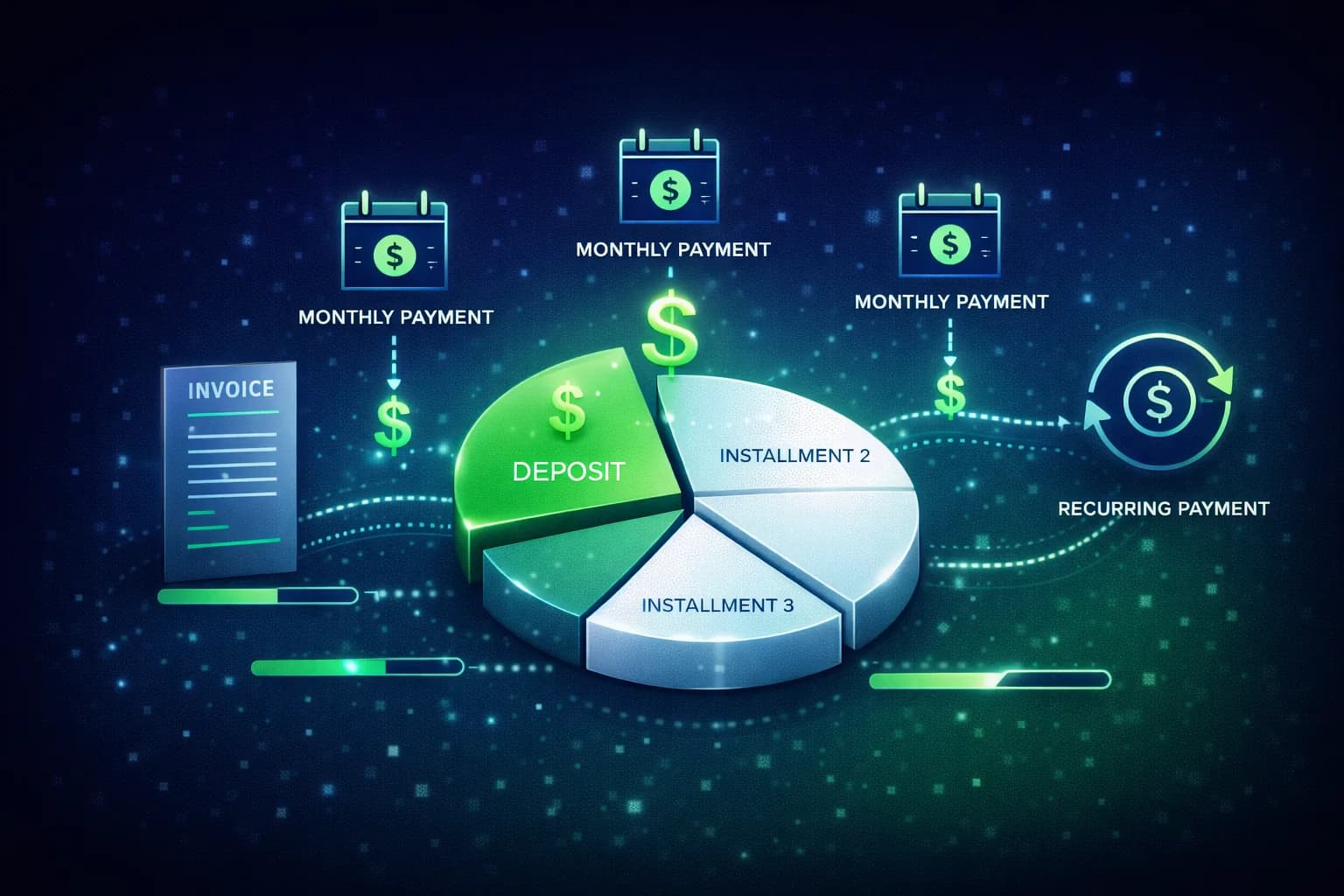
Payment plans solve this. Instead of one large invoice, you split the project into a deposit and installments. The client pays $1,500 upfront, then $1,000 per month for 3 months. Same total, easier commitment.
The problem: WHMCS doesn't have a built-in way to do this for custom projects.
How WHMCS Handles Recurring Payments (and Why It Doesn't Help Here)
WHMCS has excellent recurring billing for products. A client buys a hosting plan, WHMCS generates monthly invoices automatically. This works because the product has a fixed price and a standard billing cycle.
Custom projects are different:
| WHMCS Recurring Billing | Custom Project Payment Plan |
|---|---|
| Fixed price per cycle | Variable total, split into installments |
| Ongoing (no end date) | Finite (3-6 payments then done) |
| Tied to a product/service | Tied to a project scope |
| Auto-generated invoices | Needs manual invoice creation |
| Standard catalog item | One-off custom quote |
You can't use WHMCS product billing to split a one-time project into installments. There's no "create 4 invoices for $1,125 each, due monthly" feature.
How Providers Handle It Today
Method 1: Multiple manual invoices
You create 4 separate invoices in WHMCS: one for the deposit, three for installments. Each with a different due date.
Problems:
- Time-consuming to set up manually for every project
- No link between the invoices. They look like 4 unrelated bills to the client.
- No progress tracking. You can't see "2 of 4 installments paid" at a glance.
- If the client pays late on installment 2, you have to manually chase it. No automation.
Method 2: Spreadsheet tracking
You invoice the full amount in WHMCS and track partial payments in a spreadsheet.
Problems:
- The WHMCS invoice shows the full amount as unpaid until everything is collected
- Reconciliation between the spreadsheet and WHMCS is error-prone
- If someone else on your team handles the client, they won't find the payment plan in WHMCS
Method 3: "Pay what you can, we'll sort it out"
Informal arrangements over email. The client sends payments when they can, you keep track somehow.
Problems:
- No clear terms. No agreed schedule. No paper trail.
- Leads to awkward conversations when payments slip
- Impossible to enforce because nothing was formally agreed
Method 4: External payment plan tool
Services like PayPal Pay Later or Afterpay for B2B. These add another system to manage and typically take a percentage of each payment.
What a WHMCS Payment Plan Should Look Like
Based on how hosting providers actually structure deals:
Deposit: A percentage collected upfront when the client accepts the proposal. Typically 25-50% of the total. This confirms commitment and covers your initial costs.
Installments: The remaining balance split into equal payments over a defined period. Monthly is most common. The schedule is agreed before work starts.
Example for a $4,500 project:
| Payment | Amount | Due Date | Status |
|---|---|---|---|
| Deposit (33%) | $1,500 | On acceptance | Paid |
| Installment 1 | $1,000 | March 15, 2026 | Paid |
| Installment 2 | $1,000 | April 15, 2026 | Due |
| Installment 3 | $1,000 | May 15, 2026 | Upcoming |
| Total | $4,500 | 56% collected |
The client sees a clear schedule. You see progress at a glance. Both sides know exactly what's expected and when.
How MX Proposals Handles Payment Plans in WHMCS
MX Proposals includes deposit collection on both the Free and Pro tiers. Payment plans (installments) are a Pro feature. Here's how the options work:
Setting Up a Payment Plan
When you create a proposal in MX Proposals, you configure payment terms:
- Full payment (default). Client pays the total when they accept.
- Deposit only. Collect a percentage upfront, invoice the balance later.
- Deposit + installments. Collect a deposit on acceptance, then split the remainder into scheduled payments.
You set the deposit percentage and the number of installments. MX Proposals calculates the amounts automatically.
What the Client Sees
On the proposal page, the client sees:
- The full services table with line items and total
- The payment schedule showing deposit amount and installment dates
- A payment form for the deposit amount (not the full total)
- Clear terms: "Pay $1,500 deposit now. 3 monthly installments of $1,000 each."
The client signs the proposal and pays the deposit in one step. No confusion about the total vs what's due today.
Tracking Installments
In the WHMCS admin, the proposal shows a payment progress bar:
- Which installments have been paid
- Which are due next
- The percentage of total collected
- The overall payment status
This gives you a single view of where every project stands financially, without spreadsheets or separate invoice tracking.
When to Offer Payment Plans
Payment plans aren't appropriate for every deal. Here's a practical guide:
| Project Total | Recommendation |
|---|---|
| Under $500 | Full payment. The overhead of tracking installments isn't worth it. |
| $500 - $2,000 | Deposit (50%) + 1 final payment. Simple and manageable. |
| $2,000 - $5,000 | Deposit (33%) + 2-3 monthly installments. Sweet spot for most hosting projects. |
| $5,000 - $15,000 | Deposit (25%) + 3-6 monthly installments. Larger projects need more flexibility. |
| Over $15,000 | Custom terms. Consider milestone-based payments tied to project deliverables. |
When NOT to offer payment plans:
- Standard hosting plan purchases (use WHMCS recurring billing)
- Clients with a history of late payments (require full upfront)
- Very small one-off tasks like DNS changes or email setup
The Business Case: Why Payment Plans Increase Revenue
Offering payment plans isn't just about convenience. It directly affects your close rate and average deal size.
Close rate improvement: A client who can't pay $4,500 today might be able to pay $1,500 today and $1,000/month. You didn't lower your price. You made the same revenue accessible.
Higher average deal size: When clients know they can split payments, they're more likely to say yes to the full scope instead of cutting features to reduce the upfront cost. "Add managed backups for $300 more? Sure, that's only $100 extra per installment."
Reduced scope creep: With a signed proposal and payment schedule, both sides agree on the scope before work starts. Mid-project changes require a new proposal or amendment, not an informal "can you also do this?"
Frequently Asked Questions
Can I charge interest or late fees on installments?
MX Proposals doesn't add interest to installments. The amounts are fixed at proposal creation. For late fees, you would handle that through WHMCS's existing late fee settings on the corresponding invoices.
What happens if a client misses an installment?
The proposal dashboard shows the overdue status. You handle collection the same way you would for any overdue WHMCS invoice. MX Proposals tracks the payment status but doesn't automate collection reminders (WHMCS already does this for invoices).
Can I change the payment schedule after the proposal is accepted?
Once accepted and signed, the proposal terms are locked. If you need to adjust the schedule, you would create a new proposal with updated terms for the client to review and sign.
Is the deposit refundable?
That's up to your business terms. MX Proposals collects the payment. Your refund policy should be stated in the proposal terms and conditions section.
Do payment plans work with all WHMCS payment gateways?
The deposit is collected through whatever payment gateway you have configured in WHMCS. Subsequent installments follow your standard WHMCS invoicing and payment process.
Are payment plans included with MX Proposals?
Yes. Payment plans, deposit collection, and all other features are included with MX Proposals at $25/month. You can split the balance into scheduled installments with custom amounts and dates. Start with a 15-day free trial to test the full workflow.
Related: Learn how to collect deposits in WHMCS before starting work, see how to send proposals from WHMCS with the complete workflow, or compare MX Proposals vs PandaDoc. For installation steps, visit the MX Proposals documentation.

MCP Server
AI Integration for WHMCS
Connect AI to your WHMCS. Query clients, invoices, and tickets using natural language. Cancel anytime.
Documentation
Did you find this helpful?
Join other WHMCS professionals and get our latest guides and AI tips directly in your inbox.
MX Modules Team
We run a hosting business on WHMCS. These modules are the tools we built to solve our own problems, and now we share them with other providers.

