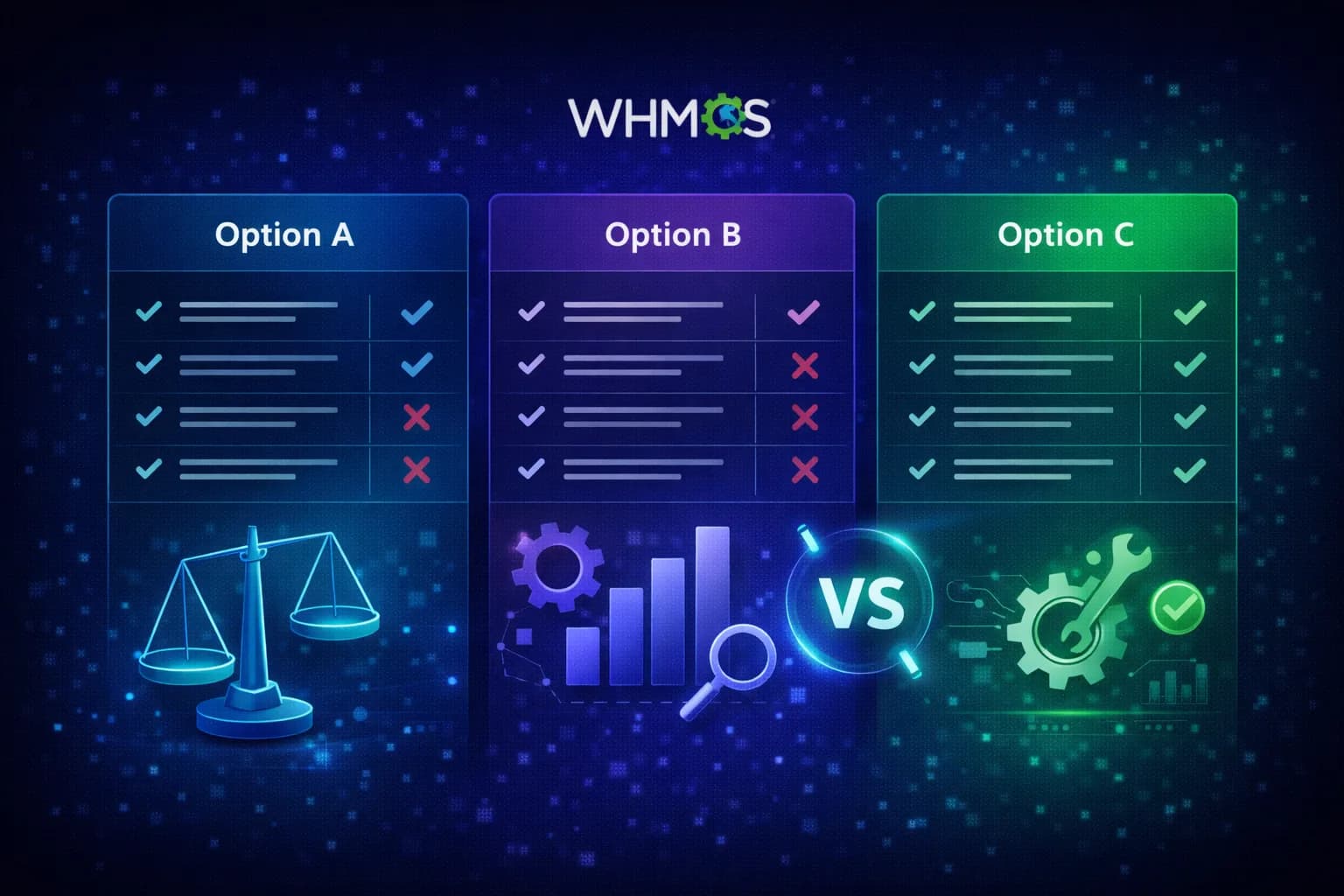
WHMCS Quotes vs Proposals: When to Use Each One
WHMCS quotes work for simple estimates but break down on custom projects. Learn where quotes end and proposals begin, with a feature comparison for hosting providers.
MX Modules Team
In this article
- What WHMCS Quotes Do Well
- Where WHMCS Quotes Break Down
- No deposit collection
- No digital signatures
- No client-facing branding
- No payment plans
- No view tracking
- No optional items
- No expiration automation
- Quote Automation Addons
- When You Need Proposals Instead of Quotes
- Feature Comparison: WHMCS Quotes vs Quote Addons vs MX Proposals
- Upgrading from Quotes to Proposals
- Frequently Asked Questions
- Should I stop using WHMCS quotes entirely?
- Can I use both WHMCS quotes and MX Proposals at the same time?
- Does MX Proposals replace the WHMCS quoting system?
- Can AI tools manage proposals the same way they manage quotes?
- How does ModulesGarden's Quotes Automation compare to MX Proposals?
- What if my client expects a PDF quote, not an online proposal?
WHMCS has a built-in quoting system. You create a quote with line items, send it to a client, and convert it to an invoice when they accept. For simple estimates, it works.
Try using it for a $5,000 server migration where you need a deposit and a client signature, and you hit the wall fast. No deposit collection. No digital signatures. No payment plans. No branding. No way to know if the client even opened the quote.
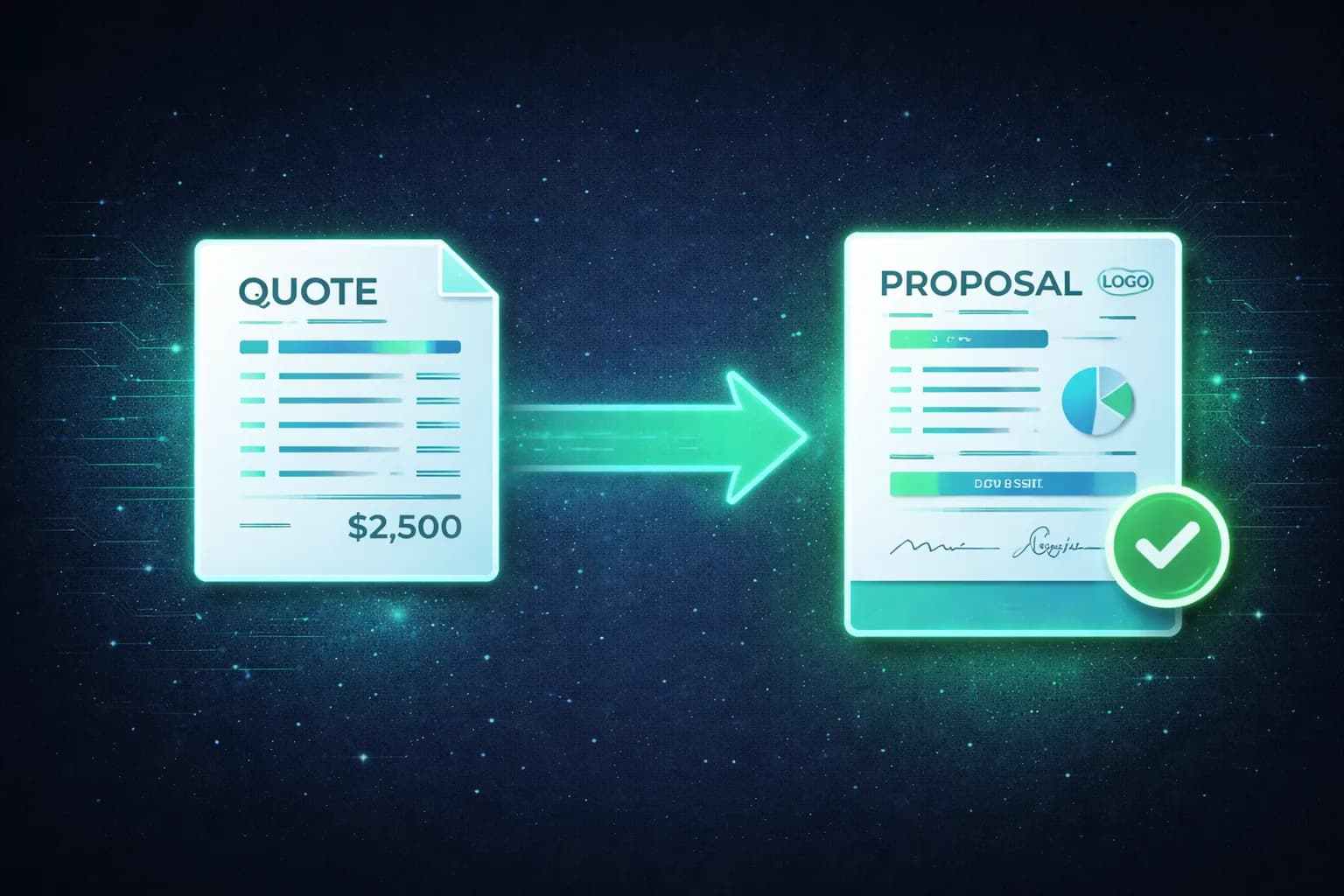
Quotes answer "how much does this cost?" Proposals answer "here is the scope, the terms, and the payment structure. Sign here to get started."
What WHMCS Quotes Do Well
WHMCS quotes handle the basics:
- Line items with quantities and pricing. Add items, set quantities, WHMCS calculates the total. Tax rates apply based on your configuration.
- Send to client via email. One click. The client sees the items and total.
- Convert to invoice on acceptance. WHMCS generates an invoice for the full amount. No re-entering line items.
- Quote numbering and status tracking. Draft, delivered, accepted, or lost.
- API access. Create, update, send, and accept quotes through the WHMCS API. Tools like MCP Server can manage quotes programmatically.
For a quick estimate where the client just needs a price and a yes/no, quotes are fine.
Where WHMCS Quotes Break Down
The problems show up when deals get bigger than a simple price estimate.
No deposit collection
WHMCS quotes convert to a full invoice on acceptance. If the quote is for $6,000, the client gets a $6,000 invoice. There is no way to say "collect 33% now and invoice the rest after delivery."
For projects over $1,000, most hosting providers need a deposit before starting work. With WHMCS quotes, you have to create the deposit invoice manually after the quote is accepted. Two separate steps, no connection between them.
No digital signatures
The client "accepts" a WHMCS quote by clicking a button in the client area. That is it. No signature, no audit trail, no legally meaningful record beyond a status change in the database.
If the client later says "I never agreed to that line item," all you have is a quote marked "accepted." No signed document.
No client-facing branding
WHMCS quotes use your default WHMCS template. No company logo, no custom colors, no professional layout. The quote looks like a WHMCS admin screen.
If you are competing for a $10,000 managed services contract against an agency sending branded proposals, the quote puts you at a disadvantage before the client reads a single line item.
No payment plans
After the quote converts to an invoice, the client owes the full amount. There is no way to split the remaining balance into installments from the quote workflow. If you want to offer "33% now, then 3 monthly payments," you are back to creating invoices manually.
No view tracking
You send a quote and wait. Did the client open it? Did they spend 30 seconds or 10 minutes on it? No idea. WHMCS tracks none of this. Your only signals are silence or acceptance.
No optional items
Every line item on a WHMCS quote is included in the total. You cannot mark items as optional and let the client select which ones they want. If a client needs the migration but the managed backups are negotiable, you have to create two quotes or handle the negotiation over email.
No expiration automation
WHMCS quotes have a valid-until date, but nothing happens when it passes. The quote does not auto-expire or notify the client that time is running out. You have to manually check and follow up.
Quote Automation Addons
Some providers try to fix these gaps with third-party WHMCS quote addons. ModulesGarden has a Quotes Automation module that adds automatic quote generation from product configurations, templates, and PDF export.
These addons make the quoting workflow faster, but they still run into the same walls. Faster quotes are still quotes. No deposits, no signatures, no payment plans, no branding.
If your problem is "creating quotes takes too long," a quotes automation addon helps. If your problem is "I need clients to sign, pay a deposit, and commit to a scope," you need something else.
When You Need Proposals Instead of Quotes
The shift usually happens when one or more of these apply:
| Condition | Why quotes are not enough |
|---|---|
| Project value over $1,000 | You need a deposit before starting work |
| Custom scope (not a catalog product) | The client needs to agree to specific deliverables |
| Client expects a professional document | A WHMCS admin-style quote does not match their expectations |
| You need a signed agreement | Email acceptance is not sufficient for dispute protection |
| Payment needs to be split | Deposit + installments is not possible with quotes |
| Multiple stakeholders review | You need view tracking to know who looked at what |
| Compliance or audit requirements | You need a signature, timestamp, and IP log |
If you recognize three or more of these, you have outgrown quotes.
Feature Comparison: WHMCS Quotes vs Quote Addons vs MX Proposals
| Feature | WHMCS Quotes (Built-in) | Quote Automation Addons | MX Proposals |
|---|---|---|---|
| Line items with pricing | Yes | Yes | Yes |
| Send to client | Yes (email) | Yes (email + PDF) | Yes (email + link) |
| Convert to invoice | Yes (full amount) | Yes (full amount) | Yes (deposit or full) |
| Deposit collection | No | No | Yes (% or fixed) |
| Digital signatures | No | No | Yes (SVG + timestamp + IP) |
| Payment plans | No | No | Yes (Pro) |
| Custom branding (logo, colors) | No | No | Yes (Pro) |
| View tracking | No | No | Yes |
| Optional items for client selection | No | No | Yes |
| Video embed | No | No | Yes (Pro) |
| PDF attachments | No | Some | Yes (Pro) |
| Proposal templates | No | Yes | Yes |
| Auto-expire with cron | No | Some | Yes |
| Webhooks for automation | No | No | Yes (Pro) |
| Client area portal | No | No | Yes |
| WHMCS order creation | No | No | Yes (automatic on payment) |
| Cost | Free (built into WHMCS) | $5-15/month | Free (5 active) or $25/mo |
Upgrading from Quotes to Proposals
If you use WHMCS quotes now and want to try proposals, here is what changes:
What stays the same:
- You still create line items with pricing, quantities, and descriptions
- Clients still receive a link to review and accept
- Accepted proposals still generate WHMCS invoices
- Your WHMCS client records are automatically linked
What changes (for the better):
- Clients sign with a drawn signature before accepting
- You collect a deposit on acceptance instead of invoicing the full amount
- The client sees a branded, professional page instead of a WHMCS template
- You can track when and how long the client viewed the proposal
- Optional items let clients customize what they are buying
- Payment plans split the remaining balance into scheduled installments (Pro)
- Webhooks notify your tools (Slack, n8n, CRM) on every proposal event (Pro)
Migration: No automated import from WHMCS quotes. You start fresh. Existing quotes stay in WHMCS. This is usually fine since proposals are forward-looking documents, not historical records.
Getting started:
- Start your 15-day free trial with full access to all features
- Create your first proposal using the familiar WHMCS admin interface
- Send it to a real client and compare the experience to your previous quote workflow
Frequently Asked Questions
Should I stop using WHMCS quotes entirely?
No. Quotes still make sense for low-value estimates where the client just needs a quick price. A $200 DNS setup does not need a signed proposal with a deposit. Use quotes for fast estimates, proposals for projects that need real commitment.
Can I use both WHMCS quotes and MX Proposals at the same time?
Yes. They are separate systems that coexist in your WHMCS installation. Use quotes for quick estimates and proposals for projects that need deposits, signatures, or payment plans. Some providers use quotes as an initial estimate and then convert the scope into a formal proposal once the client is interested.
Does MX Proposals replace the WHMCS quoting system?
No. MX Proposals is an addon that adds proposal functionality. WHMCS quotes remain available and functional. You choose which tool to use based on the deal.
Can AI tools manage proposals the same way they manage quotes?
Yes. If you use MCP Server for WHMCS, it exposes 6 proposal tools alongside the 6 quote tools. You can create, update, send, and track proposals using natural language through Claude, ChatGPT, or any MCP-compatible client. Example: "Create a proposal for Acme Corp for the server migration we discussed, 33% deposit."
How does ModulesGarden's Quotes Automation compare to MX Proposals?
Different tools for different problems. ModulesGarden makes WHMCS quoting faster. MX Proposals replaces the quoting workflow with proposals that include signatures, deposits, payment plans, and branding. If you need faster quotes, use their addon. If you have outgrown quotes entirely, use MX Proposals.
What if my client expects a PDF quote, not an online proposal?
MX Proposals shows proposals as branded web pages where clients can sign and pay directly. Most clients prefer this. If someone specifically needs a PDF, the Pro plan lets you attach PDF documents to proposals, so you can include a PDF summary alongside the interactive proposal page.
Related: See a detailed MX Proposals vs PandaDoc comparison, learn how to collect deposits in WHMCS, or read about digital signatures for hosting providers. For the full proposal workflow, see how to send proposals from WHMCS. For installation and setup, visit the MX Proposals documentation.
MX Proposals
Professional Proposals for WHMCS
Send branded proposals with e-signatures, deposits, and payment plans inside WHMCS.
Did you find this helpful?
Join other WHMCS professionals and get our latest guides and AI tips directly in your inbox.
MX Modules Team
We run a hosting business on WHMCS. These modules are the tools we built to solve our own problems, and now we share them with other providers.