What Is MCP Protocol? A Guide for WHMCS Admins
MCP (Model Context Protocol) lets AI assistants connect directly to your WHMCS. Plain-English explanation of how it works and what it means for hosting providers.
MX Modules Team
(Updated )
In this article
- The Short Version
- How MCP Works (No Technical Background Needed)
- Step 1: The AI Discovers What Tools Are Available
- Step 2: You Ask a Question
- Step 3: The AI Picks the Right Tool
- Step 4: The MCP Server Talks to WHMCS
- Step 5: The AI Formats the Response
- Why Should Hosting Providers Care?
- It Replaces Clicks with Conversations
- It Works with Your Existing WHMCS
- Non-Technical Staff Can Use It
- Your Data Stays on Your Server
- MCP vs Other Integration Methods
- Who Created MCP?
- Which AI Assistants Support MCP?
- What Can You Actually Do with MCP + WHMCS?
- Client Management
- Billing and Invoices
- Support
- Business Intelligence
- How to Get Started
- Common Concerns
- "Is it safe to give AI access to my WHMCS?"
- "Will this slow down my WHMCS?"
- "Do I need to be technical to use this?"
- "What if the AI makes a mistake?"
- Frequently Asked Questions
- Is MCP the same as an API?
- Can MCP work with AI models other than Claude?
- Does MCP replace the WHMCS admin panel?
- How many MCP tools does the WHMCS MCP Server include?
- Is MCP free to use?
- Related
You keep seeing "MCP" mentioned in AI discussions. Claude supports MCP. Cursor supports MCP. There's an MCP Server for WHMCS. But nobody has explained what it actually is in plain language.
This guide covers what MCP Protocol does, why it matters for hosting providers, and how it connects to your WHMCS. No jargon. No hype.
The Short Version
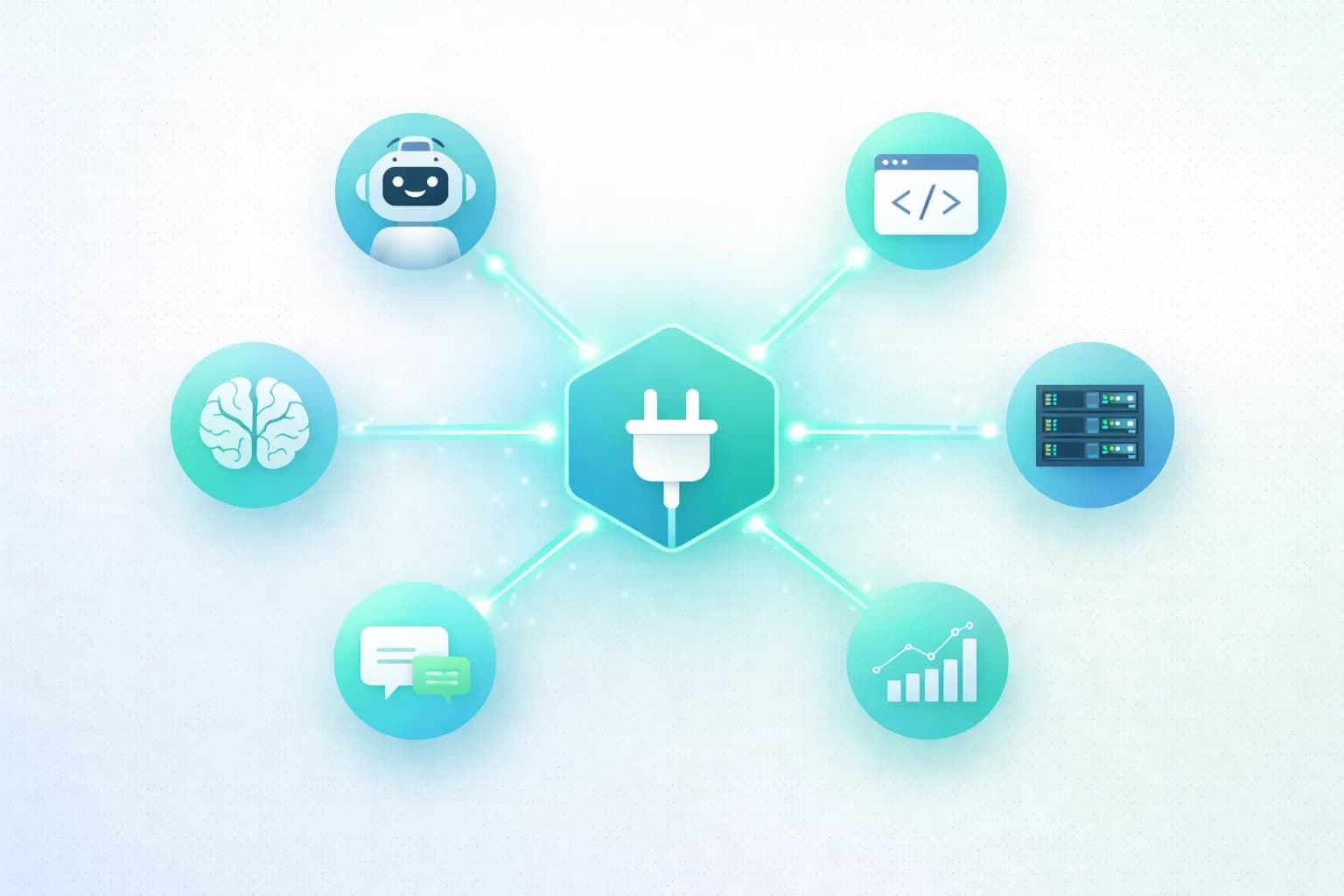
MCP stands for Model Context Protocol. It's an open standard that lets AI assistants (like Claude) connect to external tools and data sources. Think of it as a universal adapter between AI and your business software.
Without MCP, AI assistants are isolated. They can only work with information you paste into the chat window. With MCP, they can read your WHMCS data, run queries, and take actions directly.
Before MCP:
"What clients have overdue invoices?" AI: "I don't have access to your WHMCS. Please paste your invoice data."
With MCP:
"What clients have overdue invoices?" AI: Queries your WHMCS database in real-time "Here are 8 clients with overdue invoices totaling $3,420..."
That's the difference. MCP turns AI from a text assistant into a business tool.
How MCP Works (No Technical Background Needed)
Imagine you hire a new employee. On day one, they're smart but useless. They don't have access to your systems, can't look up client information, and can't process invoices.
MCP is like giving that employee login credentials, a user manual, and a list of tasks they're allowed to perform. Now they can actually do their job.
Here's what happens technically (simplified):
Step 1: The AI Discovers What Tools Are Available
When you connect an AI assistant to an MCP server, the first thing it does is ask: "What can I do here?" The MCP server responds with a list of available tools.
For WHMCS, that list might include:
- Look up client information
- Search invoices
- View support tickets
- Check service status
- Create new invoices
- Update client records
Step 2: You Ask a Question
You type something like: "Show me Client ABC's payment history."
Step 3: The AI Picks the Right Tool
The AI reads your question, figures out which tool to use (in this case, a client lookup + invoice history), and calls the MCP server with the right parameters.
Step 4: The MCP Server Talks to WHMCS
The MCP server receives the request, authenticates it against your API token, queries your WHMCS database, and returns the results.
Step 5: The AI Formats the Response
Instead of raw database output, the AI presents the information in a readable format. It might also add analysis: "Client ABC has paid on time for the last 12 months. No overdue invoices."
All of this happens in seconds.
Why Should Hosting Providers Care?
You're running a hosting business, not an AI research lab. Here's why MCP is relevant to your daily work.
It Replaces Clicks with Conversations
Finding a client's billing history in WHMCS requires:
- Log into WHMCS admin
- Go to Clients
- Search for the client
- Click their profile
- Click Invoices
- Scroll through results
With MCP: type "Show me billing history for client ABC" and get the answer. One sentence instead of six clicks.
It Works with Your Existing WHMCS
MCP doesn't replace WHMCS. It adds a conversational layer on top. Your WHMCS keeps working exactly as before. The module installs alongside your existing addons and doesn't touch your database schema or core files.
Non-Technical Staff Can Use It
Your support agent doesn't need to know WHMCS inside out. They can ask: "What hosting plan does this client have?" and get an instant answer. No training on which WHMCS screen to navigate. No memorizing menu paths.
Your Data Stays on Your Server
Unlike SaaS analytics platforms that require you to send data to their servers, MCP runs locally. The AI queries your WHMCS in real-time, but your client data never leaves your infrastructure.
For providers who handle sensitive client information or operate under data residency requirements, this matters.
MCP vs Other Integration Methods
If you've integrated tools with WHMCS before, you might wonder how MCP compares. Here's a quick overview. For a detailed breakdown, see MCP Server vs WHMCS API.
| Approach | How It Works | Who It's For |
|---|---|---|
| WHMCS API | Code-based, 350+ functions, runs without human input | Developers building automations |
| Webhooks | Event-triggered HTTP calls to external services | Connecting WHMCS to other systems |
| Third-party connectors | Platforms like Zapier that bridge WHMCS to other tools | Non-technical users, simple workflows |
| MCP Protocol | AI assistant queries WHMCS through a standardized protocol | Anyone who wants AI-powered WHMCS access |
The key difference: API and webhooks are machine-to-machine. MCP is human-to-AI-to-machine. You stay in the loop.
Who Created MCP?
Anthropic (the company behind Claude) developed MCP and released it as an open standard in late 2024. The goal was to solve a universal problem: AI assistants are smart but disconnected from the tools people actually use.
Before MCP, every AI integration was custom. If you wanted ChatGPT to read your WHMCS data, you'd build a custom API wrapper. If you wanted Claude to do the same thing, you'd build a different custom wrapper. Each AI, each tool, each integration was separate work.
MCP standardizes this. One protocol, many tools, many AI assistants. Build the MCP server once, and any AI that supports MCP can use it.
Which AI Assistants Support MCP?
As of early 2026:
| AI Assistant | MCP Support | Notes |
|---|---|---|
| Claude Desktop | Native | Best integration, built by MCP creators |
| Cursor | Native | Code editor with MCP |
| Continue | Native | IDE extension |
| ChatGPT | Via third-party wrappers | Not native, requires Zapier or custom setup |
| Local models (Ollama) | Via MCP clients | For maximum privacy |
Claude has the strongest MCP support because Anthropic built the protocol. For a comparison, see Claude vs ChatGPT for Hosting Providers.
What Can You Actually Do with MCP + WHMCS?
Here are real examples, not theoretical possibilities.
Client Management
"Find all clients in Australia who signed up in the last 30 days" "What's the total revenue from client #1234?" "Update the email address for CompanyXYZ"
Billing and Invoices
"List all overdue invoices over $100" "Create an invoice for client ABC for $500 in consulting" "What's the total revenue from last month?"
Support
"Show me open tickets sorted by priority" "Summarize the ticket history for client XYZ" "How many tickets did we receive this week?"
Business Intelligence
"Who are my top 10 clients by revenue?" "Which products have the most cancellations?" "Compare this month's revenue to last month"
For 10 practical examples with detailed walkthroughs, see 10 WHMCS Tasks You Can Automate with AI.
How to Get Started
If you want to try MCP with your WHMCS, here's the path:
- Get the MCP Server module. Install MCP Server for WHMCS in your WHMCS admin panel
- Generate your API token. Go to Addons > MCP Server and create a token
- Install Claude Desktop. Download from Anthropic (Claude Pro subscription: $20/month)
- Add the connection. One JSON configuration block in Claude Desktop
- Start asking questions. Begin with read-only queries to get comfortable
The whole process takes about 15 minutes. For step-by-step instructions, see Connect AI to WHMCS with MCP (Setup Guide).
Common Concerns
"Is it safe to give AI access to my WHMCS?"
MCP Server uses token-based authentication. You control which token has access, and you can revoke it anytime. Every request is logged. You can restrict access to read-only operations while you evaluate the tool. Your data stays on your server.
"Will this slow down my WHMCS?"
No. MCP Server only activates when you send a query from your AI assistant. It doesn't run background processes, doesn't modify your database schema, and doesn't consume resources when idle.
"Do I need to be technical to use this?"
Not to use it. Installing the module follows the standard WHMCS addon process (upload files, activate). Configuring Claude Desktop involves editing a JSON file, which the documentation walks through line by line. The day-to-day usage is pure conversation. No code.
"What if the AI makes a mistake?"
MCP uses a human-in-the-loop model. The AI suggests actions, you approve them. For sensitive operations like creating invoices or suspending services, Claude asks for confirmation before executing. For read-only queries, the data comes directly from your WHMCS database, so accuracy depends on your data quality.
Frequently Asked Questions
Is MCP the same as an API?
No. An API (Application Programming Interface) is designed for code-to-code communication. A developer writes a program that calls the API. MCP (Model Context Protocol) is designed for AI-to-tool communication. A human asks an AI a question, and the AI uses MCP to get the answer from your tools. APIs require programming. MCP requires conversation. They can coexist. Many businesses use the WHMCS API for automated background tasks and MCP for interactive AI queries.
Can MCP work with AI models other than Claude?
Yes. MCP is an open standard. Any AI application that implements the MCP client specification can connect to any MCP server. Today, Claude Desktop, Cursor, and Continue have native support. ChatGPT can connect through third-party wrappers. Local models running on Ollama can also use MCP. The ecosystem is growing as more applications adopt the standard.
Does MCP replace the WHMCS admin panel?
No. MCP gives you a conversational interface to your WHMCS data, but the admin panel remains the primary way to configure products, manage settings, and handle complex workflows. Think of MCP as a fast-access shortcut for common tasks like looking up clients, checking invoices, and getting quick summaries. The admin panel is still where you do detailed configuration work.
How many MCP tools does the WHMCS MCP Server include?
The MCP Server for WHMCS includes 46 tools organized into 9 categories covering client management, billing, support tickets, service management, quotes, proposals, metrics, and system operations. This covers the most common daily operations. The full WHMCS API has 350+ functions, so MCP doesn't cover everything, but it handles the operations that hosting providers perform most frequently. See the complete tools reference for the full list.
Is MCP free to use?
The MCP protocol itself is open source and free. The MCP Server module for WHMCS is a paid product. You'll also need an AI subscription (Claude Pro at $20/month) to use it. The combination gives you AI-powered WHMCS management without building any custom integrations.
Related
- Connect AI to WHMCS with MCP (Setup Guide) - Step-by-step installation and configuration
- MCP Server vs WHMCS API: Which Do You Need? - Detailed comparison of both approaches
- How to Use ChatGPT with WHMCS (3 Methods Compared) - All the ways to connect AI to WHMCS
- Claude vs ChatGPT for Hosting Providers - Which AI is better for WHMCS work
- 10 WHMCS Tasks You Can Automate with AI - Practical automation examples

MCP Server
AI Integration for WHMCS
Connect AI to your WHMCS. Query clients, invoices, and tickets using natural language. Cancel anytime.
Did you find this helpful?
Join other WHMCS professionals and get our latest guides and AI tips directly in your inbox.
MX Modules Team
We run a hosting business on WHMCS. These modules are the tools we built to solve our own problems, and now we share them with other providers.

